Bloom.diy
App Store deployment & AI image generation infrastructure for YC-backed mobile app builder
Contract work for Bloom.diy (YC X25) — the first AI app builder that lets anyone build full-stack native apps directly from their phone. Backed by Y Combinator (early investors in Airbnb, Dropbox, Stripe), Moonfire, and angels from Expo, Convex, HuggingFace, OpenAI, WhatsApp, and more. Raised $3.4M pre-seed to make app development as easy as making a TikTok. They needed production-grade deployment infrastructure to ship iOS apps fast while maintaining App Store compliance, plus AI-powered tooling to generate polished App Store assets. Built the entire deployment flow using Convex workflows, terminal automation, and smart deploy detection.
App Store Deployment Pipeline
Built the entire deployment pipeline using EAS (Expo Application Services) orchestrated via Convex workflows. Two modes: full builds for native changes (20-30 min), update builds for JavaScript/asset changes (~30 seconds). The full build handles Apple's 2FA via database-polled input, certificate management, TestFlight submission—all automated. Update builds skip App Store review entirely, pushing OTA changes via EAS Update.
The Flow
- •Smart deploy detection: Hashes package.json dependencies to determine full build vs EAS Update
- •Terminal automation: TerminalParser + TerminalExpect auto-respond to prompts (credentials, certificates, profiles)
- •2FA handling: Database-polled input system (polls every 1s, 5min timeout)
- •Runtime version management: appVersion policy for deterministic EAS Update targeting
- •Hermes compatibility: Fixed better-auth mobile bundling with Metro resolver stubs
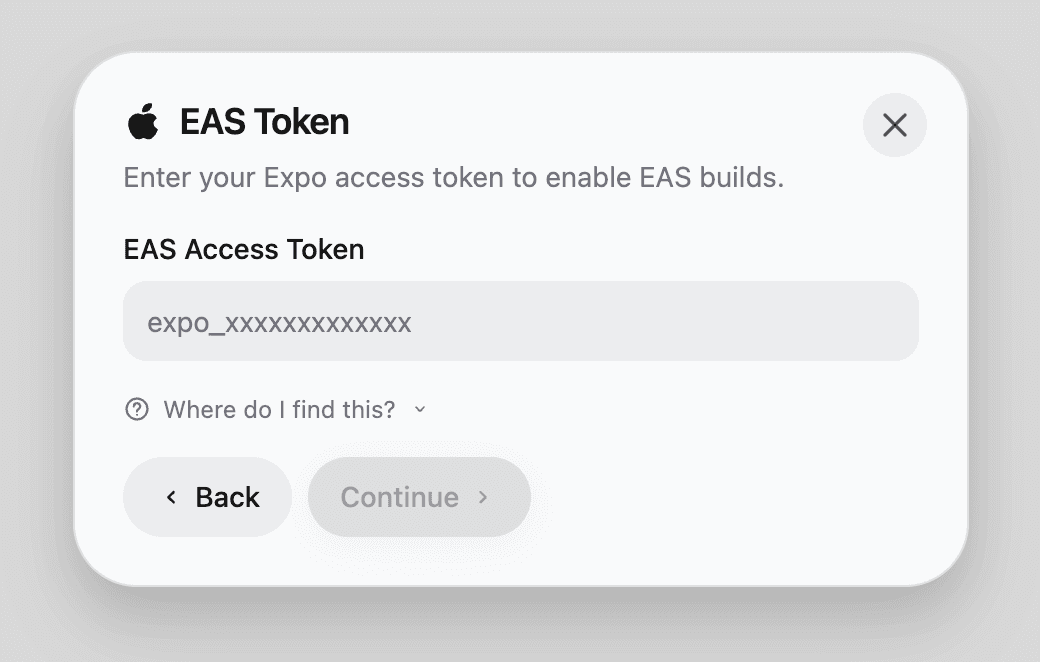
1. EAS Token
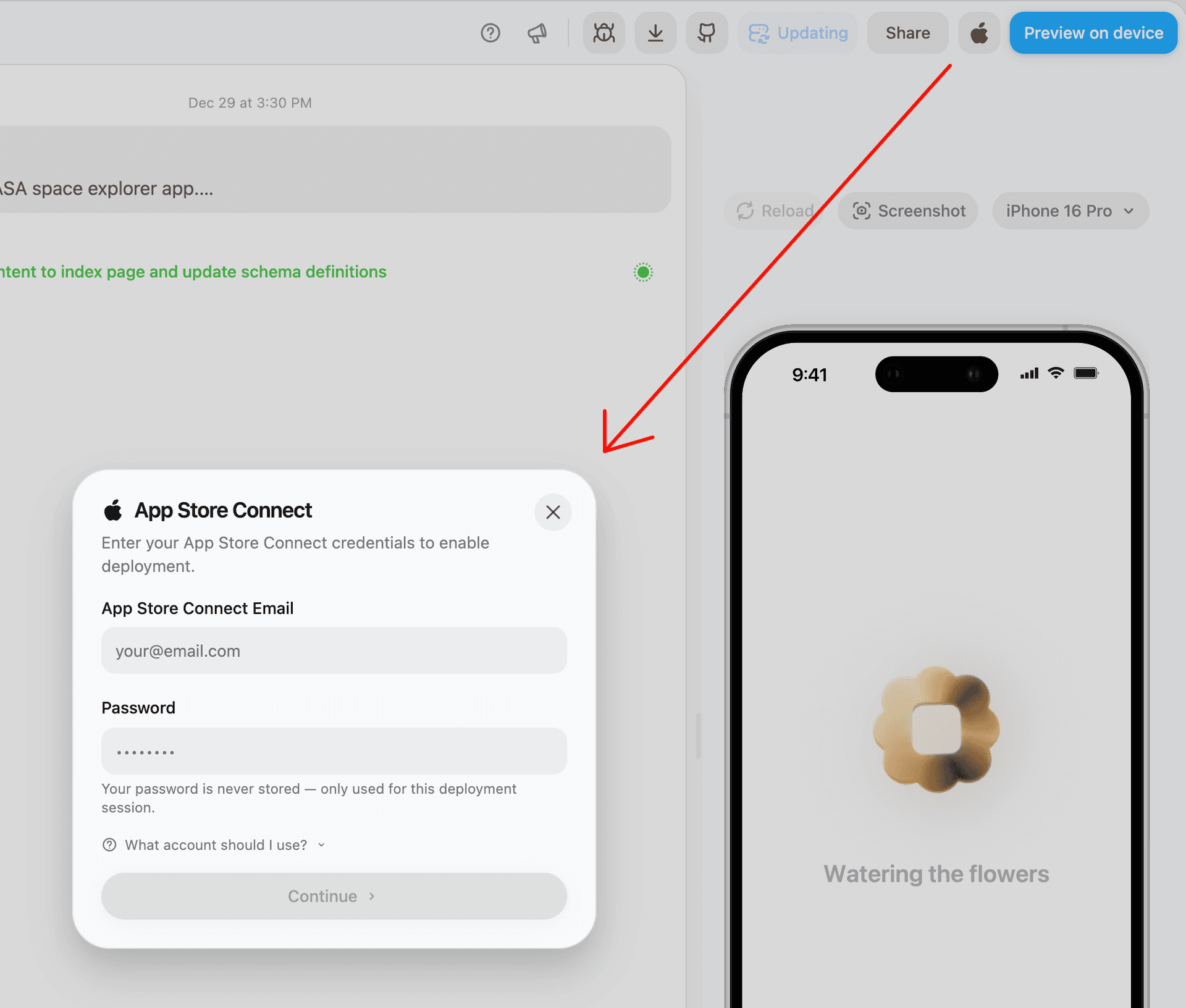
2. App Store Connect
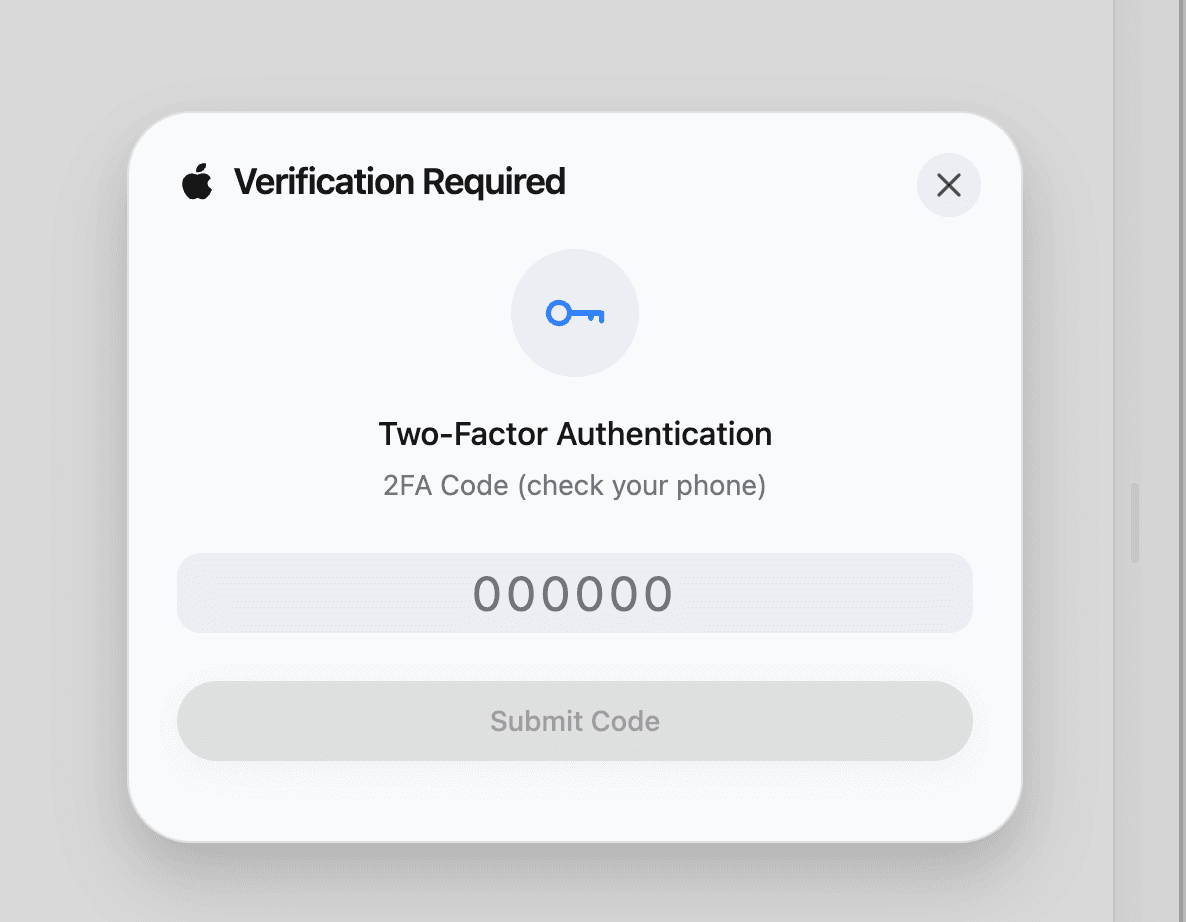
3. 2FA Verification
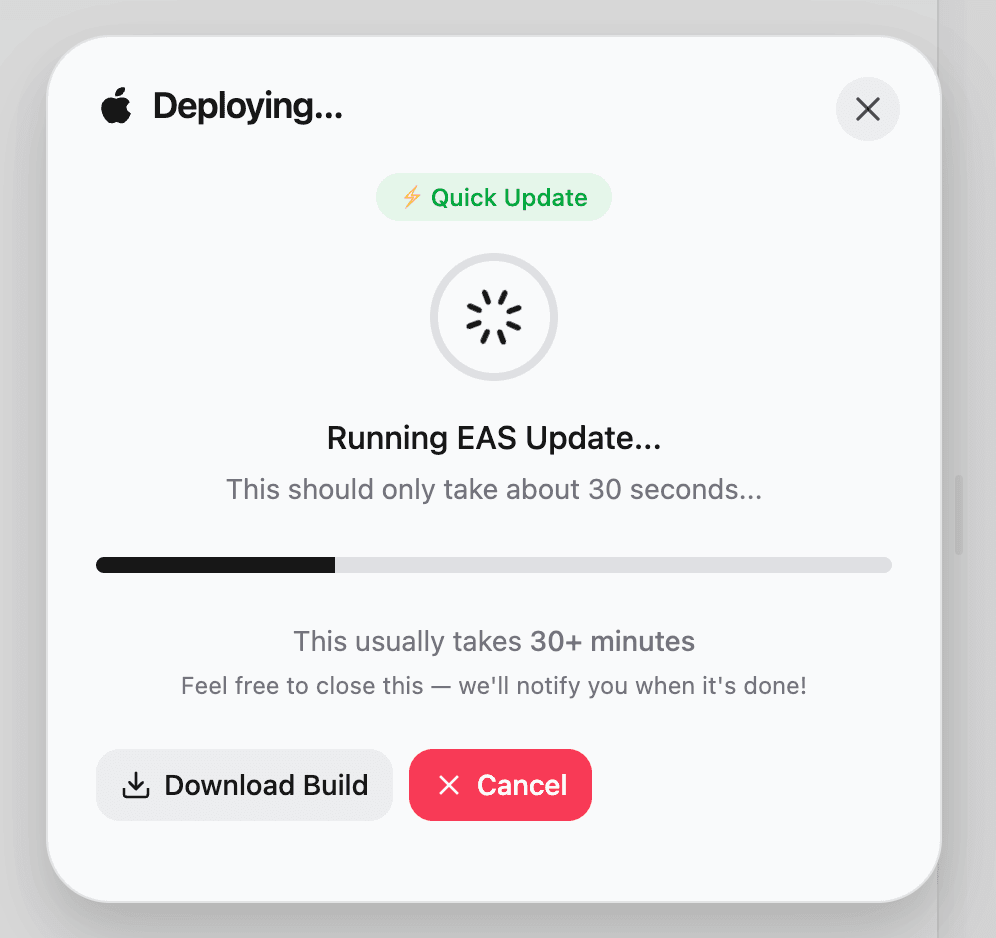
4. EAS Update (~30 seconds)
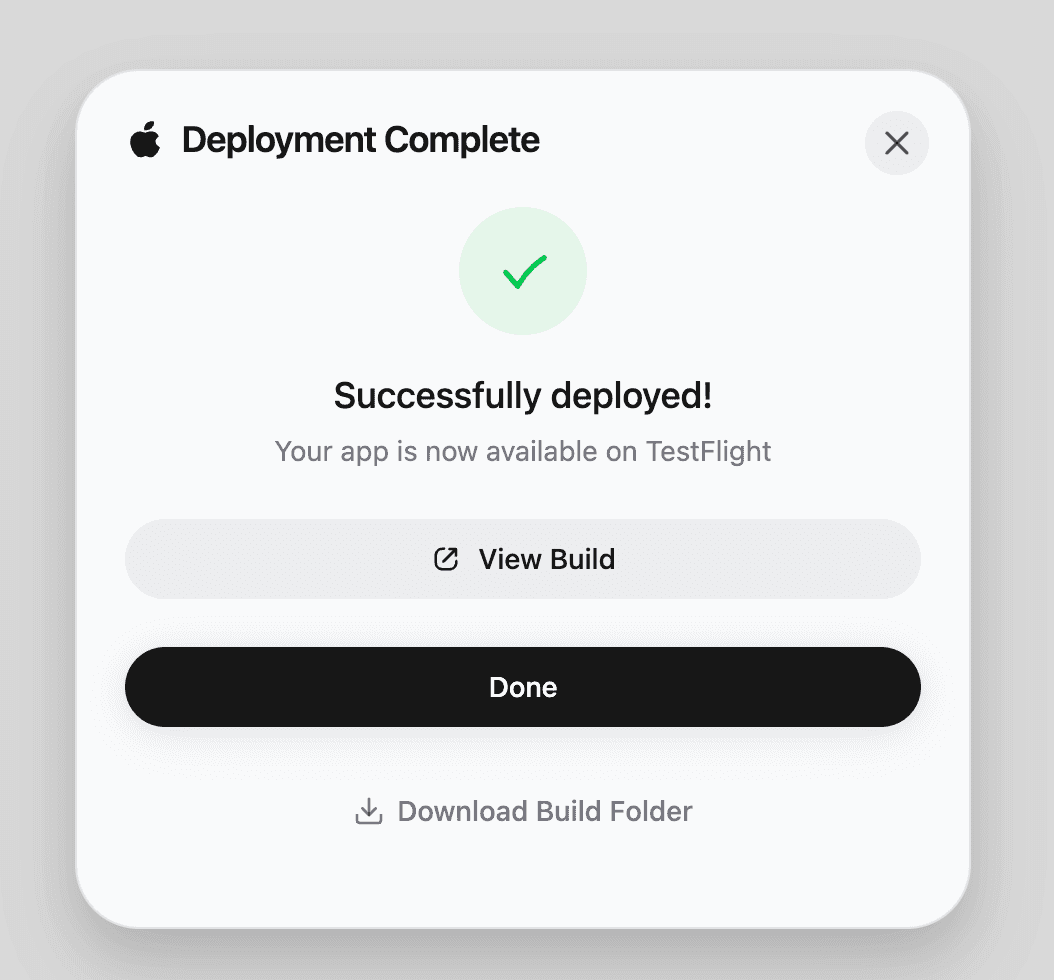
5. Deployed to TestFlight
This is production infrastructure for a YC startup that needs to move fast. The dual-mode system means they can iterate rapidly (update builds) while still having the ability to ship native changes (full builds) when needed.
App Store Preview Generation
App Store preview images (the screenshots you see in app listings) need specific sizes and formats. Built an automated generation function that creates all required variants programmatically. Integrated with the deployment pipeline so previews update automatically when the app ships.
What it handles
- •Generates all App Store required screenshot sizes and aspect ratios
- •Ensures visual consistency across different device previews
- •Automated updates synchronized with app deployments
Model Benchmarking Application
Bloom generates UI elements, app icons, and assets using AI models. Built an internal benchmarking system to evaluate Gemini (2.5 Flash, 3 Pro), OpenAI (gpt-image-1.5), and Replicate/Flux for quality, speed, and cost. Implemented multi-layer compositing pipeline: analyze screenshot → plan scene → generate background → composite. Discovered Gemini excels at backgrounds but can't do transparency, while OpenAI gpt-image-1.5 handles transparent overlays. Recommendation: Gemini-only pipeline (~60s, $0.12) for best quality/cost ratio.
Technical Implementation
- •Gemini: @google/genai SDK with responseModalities: ['TEXT', 'IMAGE'], 2K/4K resolution
- •OpenAI: gpt-image-1.5 with transparent background support (background: 'transparent')
- •Sharp for phone frame compositing: pixel-perfect bezel alignment, SVG rounded corner masks
- •Cost/speed analysis: Gemini-only (~40s, $0.04), Full pipeline (~60s, $0.12), Hybrid (~100s, $0.18)